
7 DAYS. ONE CLEAN STACK.
Outcome first
I Rebuilt My SaaS Stack in 7 Days
The deadline makes the transformation concrete before the click.
AI YouTube Thumbnail Generator
Paste a YouTube URL or script. Compare three title and thumbnail directions, refine one, and export at 1280 × 720.
7 DAYS. ONE CLEAN STACK.
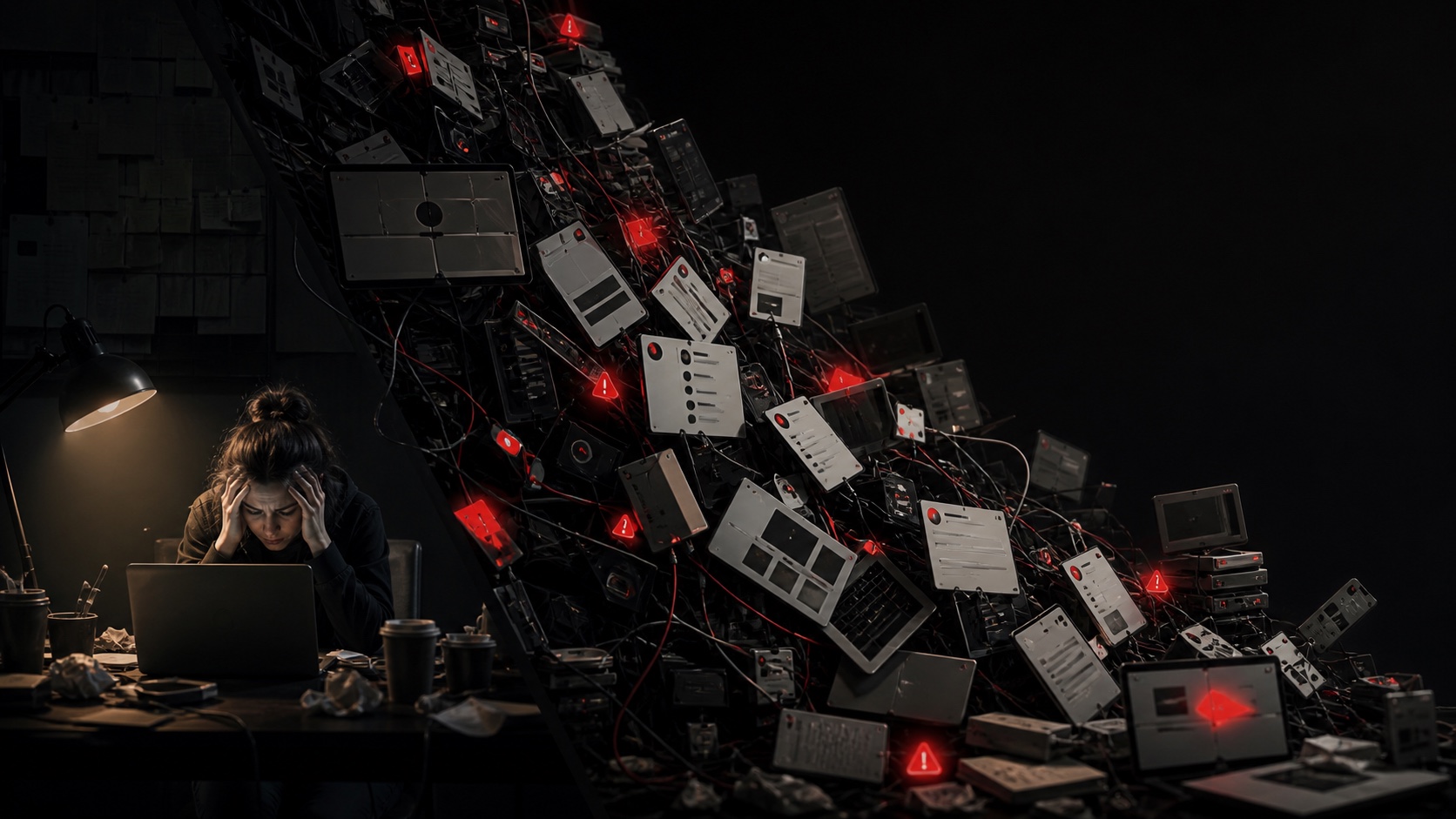
TOO MANY TOOLS?
Start with a real project.
1 project free
No credit card required
1280 × 720 export
Every step narrows the creative decision. Nothing exists just to make the gallery look full.
Explore workflow previewShare a YouTube URL or script, your channel, and the context only you know.
See distinct hooks, titles, and visual stories instead of minor color swaps.
Choose a direction, refine it, and export a publication-ready 1280 × 720 thumbnail.
Product demo
This clearly labeled demo uses the same fictional source and topic throughout. Each direction changes the hook, title, and visual story.
Demo source
Tutorial video + creator context
“How I Rebuilt My SaaS Stack in 7 Days”
7 DAYS. ONE CLEAN STACK.
Outcome first
The deadline makes the transformation concrete before the click.
TOO MANY TOOLS?
Tension first
The operational pain becomes the unanswered question.
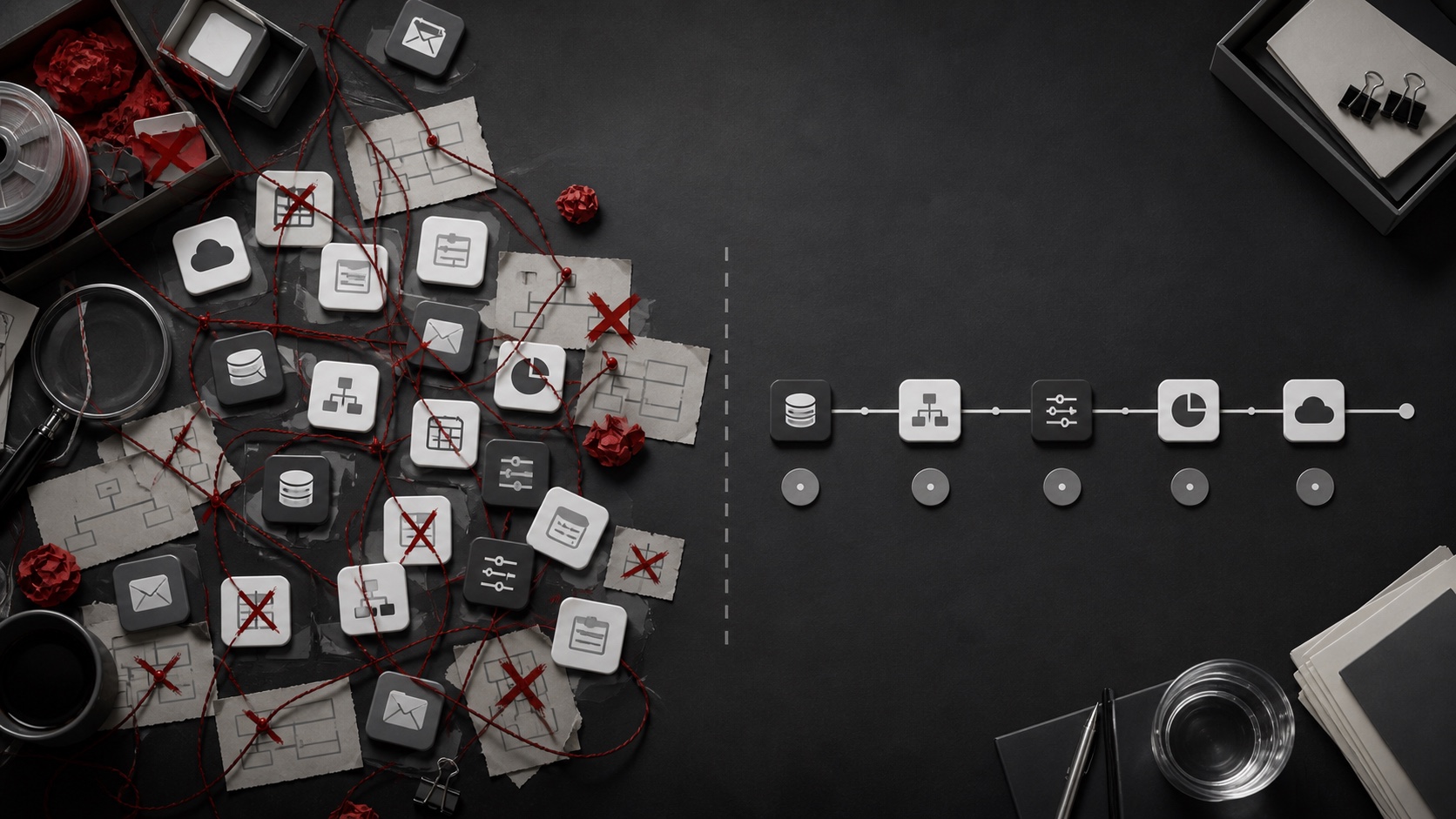
30 DAYS LATER
Proof first
The review becomes visible evidence instead of another portrait.
This is our fictional SaaS tutorial, used to demonstrate the workflow. The outcome angle foregrounds the deadline; the tension angle names the problem; the proof angle makes the review visible. They are hypotheses to compare, not measured winners.
I gave myself seven days to replace a bloated SaaS stack with a smaller setup. In the video, I compare the old workflow with the rebuilt version, show each migration decision, explain what broke, and finish with the stack I kept after a thirty-day review. The useful lesson is not a list of tools. It is a practical rule for deciding what earns a place in a solo founder's workflow.
Our recorded walkthrough shows the actual preview, title revision and HD download. The artwork was prepared before the recording. It documents the tool steps; it does not claim a customer result or end-to-end generation time.
A typical AI YouTube thumbnail maker stops at an image. ThumbCue treats the title, hook, and visual as one packaging decision.
No invented CTR score. No automatic publishing. No ten-image dump that leaves the hard decision with you.
The source, transcript, working title, and channel context shape every direction.
Each package connects the promise in the title to the story in the thumbnail.
Outcome, tension, and proof give you strategic options, not a larger random gallery.
Generate, compare, refine, and export inside one self-service workflow.
ThumbCue is designed for creators who publish considered videos and want a clearer packaging decision before release.
Turn a dense workflow, rebuild, or comparison into a clear visual promise.
Package an argument around its strongest outcome, tension, or evidence.
Find the episode angle that earns attention without reducing it to a generic guest portrait.
Probably not the right fit
High-volume template production, fully automatic publishing, or a promise of guaranteed CTR. Those are not the jobs ThumbCue is built to do.
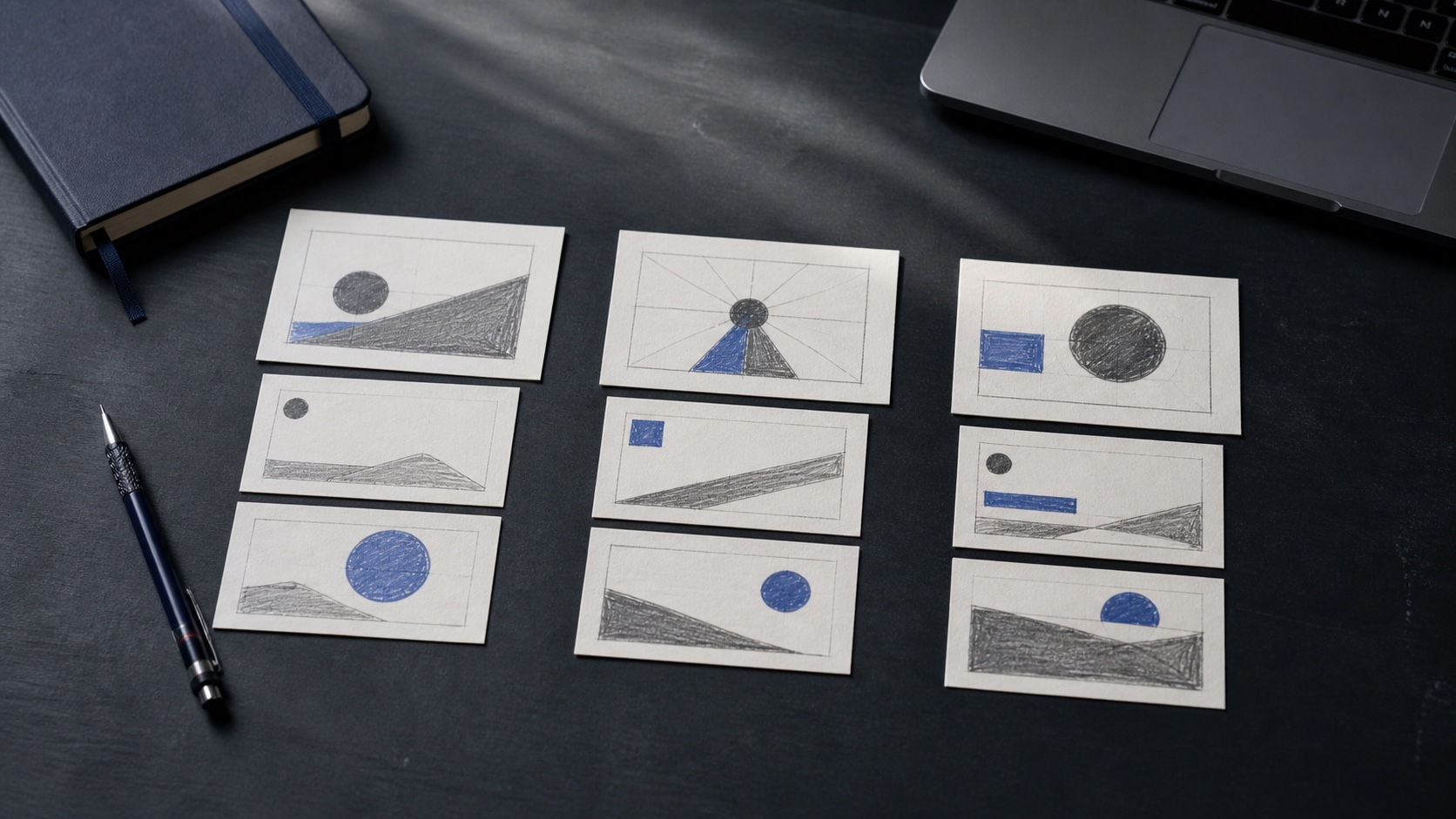
Free creator resources
Read the title and thumbnail guide, download the packaging brief, and inspect a transparent three-direction case study.
Self-service subscriptions
Compare three strategic directions, then generate, refine, and export one complete package free. Subscribe when ThumbCue earns a place in your upload workflow.
Creator
10 projects each month
For one channel with a steady publishing rhythm.
Pro
30 projects each month
For teams and creators working across channels.
Annual billing includes two months free.
Allowances are added automatically. Cancel anytime from billing.
Yes. ThumbCue analyzes your source, generates three paired title and thumbnail strategies, lets you refine a direction, and exports the finished thumbnail without a manual queue.
Most tools optimize a single image. ThumbCue keeps the title, hook, and thumbnail together so you can compare three packaging strategies.
Yes. Paste a YouTube URL or switch the input to a script. Your source is carried into the project after registration.
No. Performance depends on the video, audience, traffic source, and test conditions. We deliver a thoughtful, test-ready package.
Yes, when you provide images you have the right to use and enough channel context. You control the references and final publishing decision.
Creator adds 10 projects each month and Pro adds 30. You can roll over up to one monthly allowance, so monthly balances can reach 20 on Creator or 60 on Pro. Annual plans add the full yearly allowance at payment and can carry an extra 10 or 30 projects at renewal. Cancellation stops future renewals without removing your remaining balance.