Free Markdown template
A better thumbnail starts with a sharper brief.
Capture what is actually in the video, compare three different reasons to click, and give your editor or future self a clear standard for the final package.
Download the free briefMarkdown file, no email required
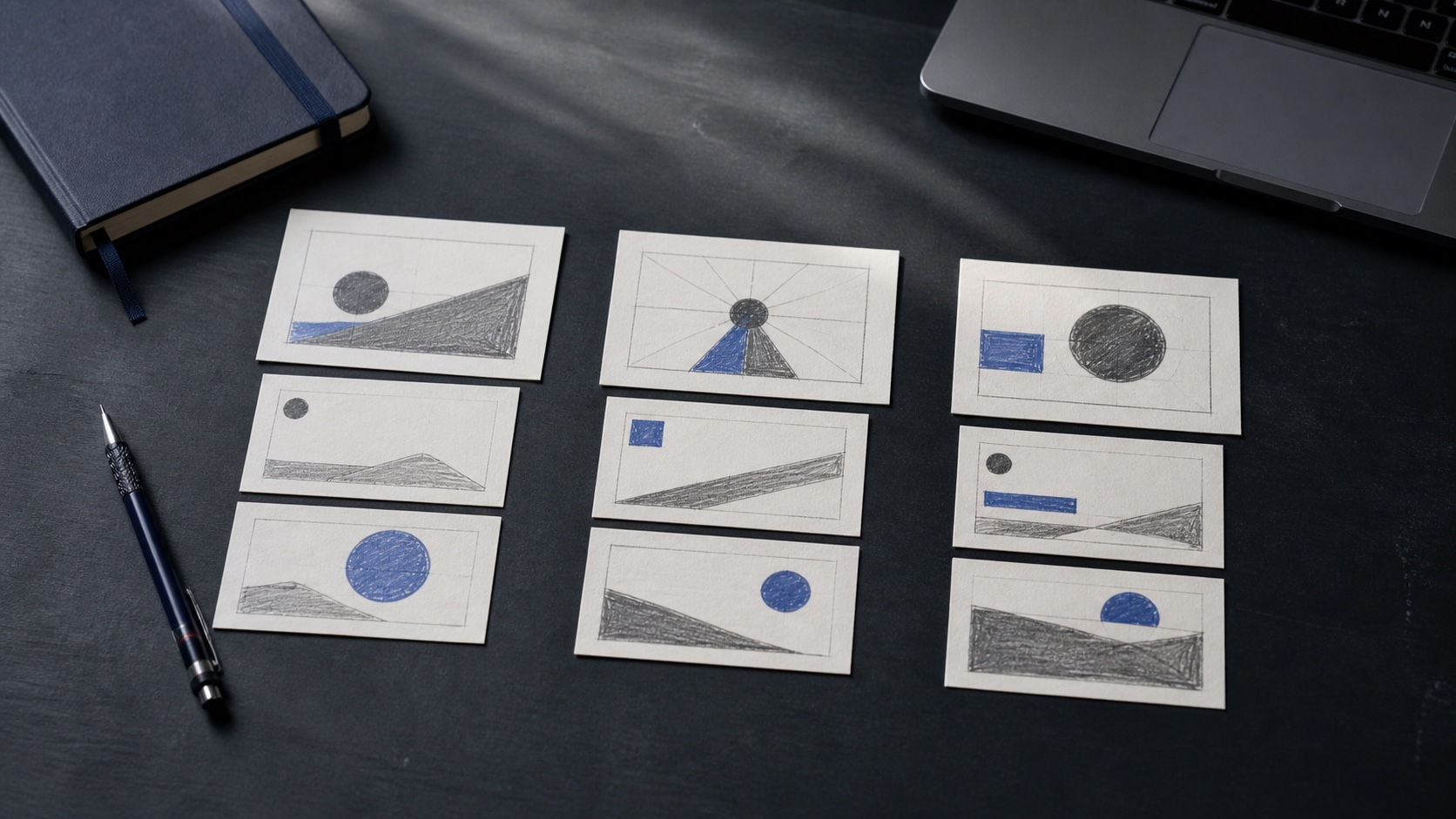
What is inside
Four decisions, in the right order.
Video source
Define the intended viewer, the format, and the useful change the video creates.
Source evidence
Collect the real outcome, tension, proof, constraint, and visual assets before writing hooks.
Three directions
Draft outcome-first, tension-first, and proof-first packages as genuinely different bets.
Pre-publish check
Confirm readability, complementarity, specificity, and claim integrity at feed size.
Working preview
One source, three distinct briefs.
The template forces each direction to answer a different viewer question. That prevents a three-option review from becoming a choice between near-duplicates.
Direction A: Outcome first
- Question
- What useful change does the viewer want?
- Draft title
- I Rebuilt My SaaS Stack in 7 Days
- Thumbnail
- ONE CLEAN STACK
Direction B: Tension first
- Question
- What unresolved pain makes the story necessary?
- Draft title
- My SaaS Stack Was Slowing Me Down
- Thumbnail
- TOO MANY TOOLS?
Direction C: Proof first
- Question
- What evidence makes the result believable?
- Draft title
- The SaaS Stack I Kept After 30 Days
- Thumbnail
- 30 DAYS LATER
Before you publish
Use the brief as a claim check.
The title works without the thumbnail
The thumbnail adds new information
The main visual reads at phone size
Every implied claim appears in the video
The package is specific to this audience
One direction has the clearest reason to care
Ready to brief the next upload?
Keep it, duplicate it, and adapt the questions to your channel.